Example gallery
These previews come from accepted test renders. Open a PDF to inspect selectable text, links and all pages. They are static examples, not a live editor. All personal/business content in the energy example is fictional.
First letter
Section titled “First letter”Use the quickstart to generate this result with any of the four APIs.
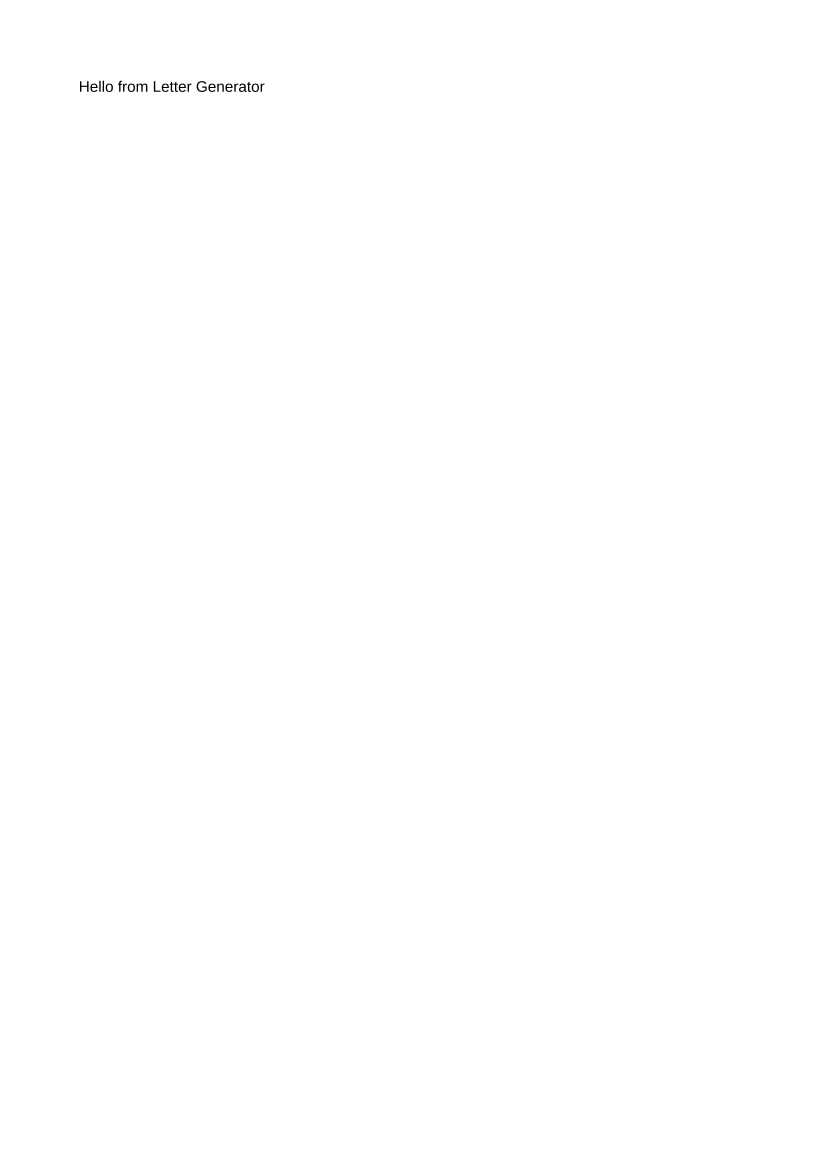
Typed output · Fluent output · JSON output · HTML output
Complete energy letter
Section titled “Complete energy letter”Follow the four-API walkthrough for full inputs, assets and instructions.

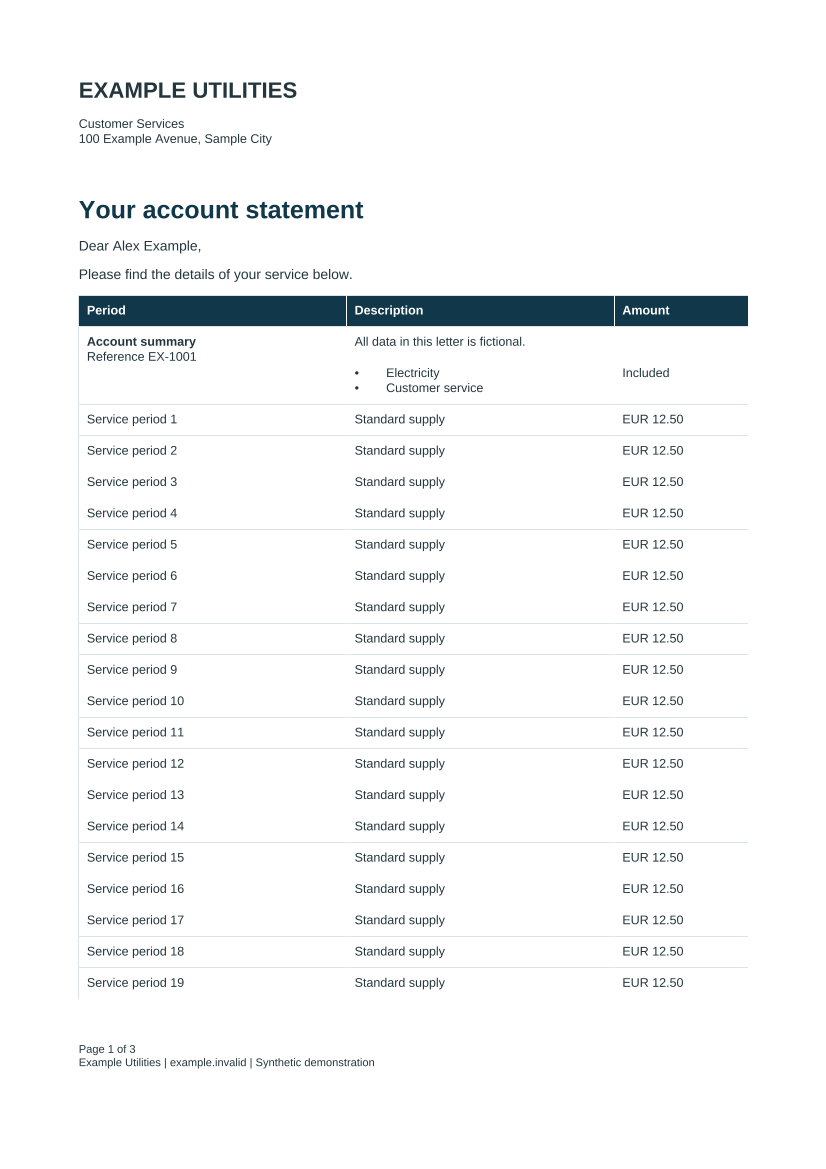
Themes, rich tables and pagination
Section titled “Themes, rich tables and pagination”This example combines reusable components, first/continuation headers, current/total page fields, merged rich cells, row policies and a final-page signature. See themes, tables and pagination.
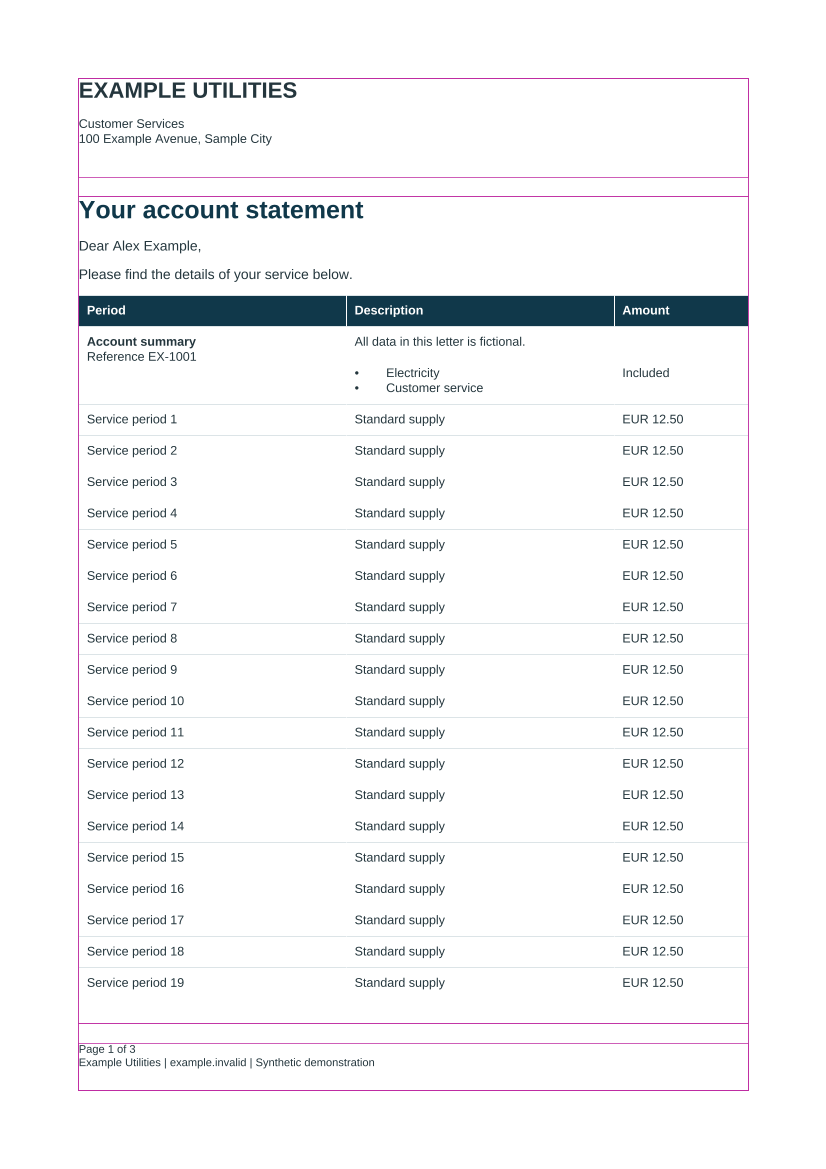
Declared layout diagnostics
Section titled “Declared layout diagnostics”Debug outlines show allocated margins, body, fixed elements and reserved regions. They do not report the measured box of every flowing block. See diagnostics.
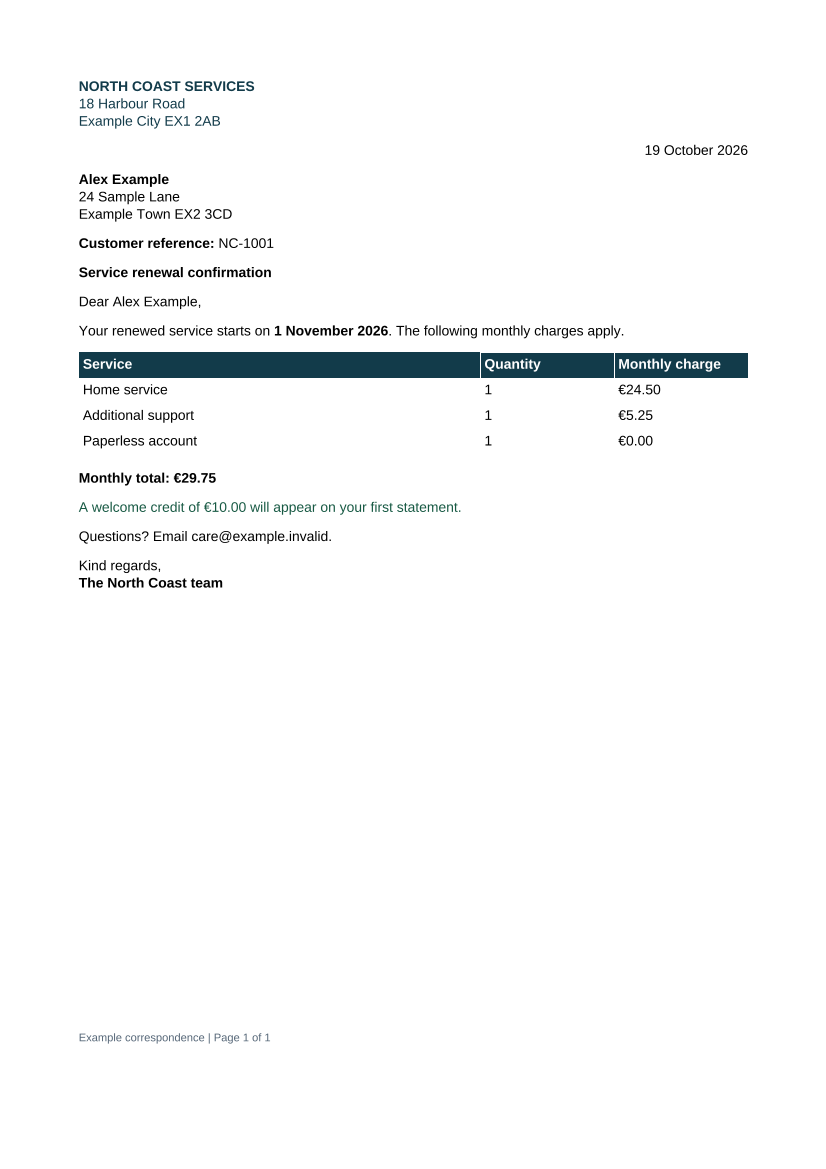
Semantic authoring and typed data
Section titled “Semantic authoring and typed data”Semantic letter parts, locale-aware formatting, conditions and repeated content are demonstrated together. See semantic parts, localization and template data.
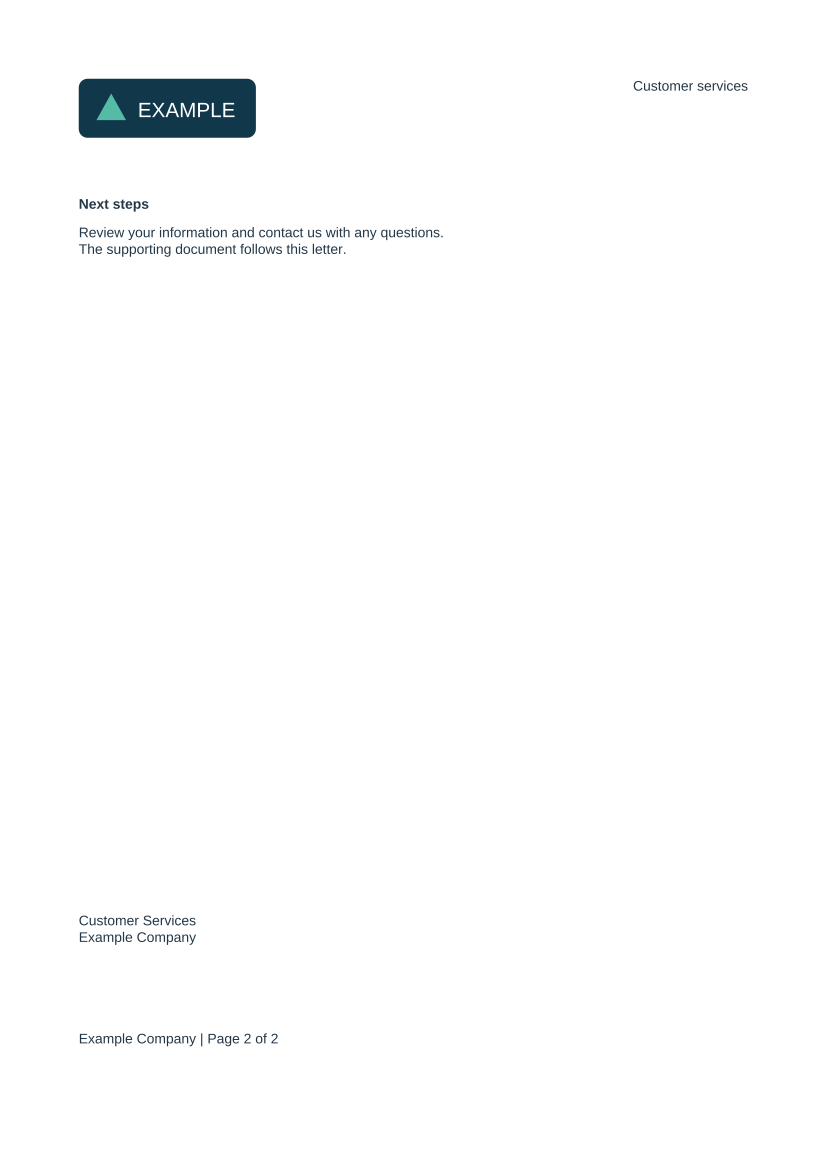
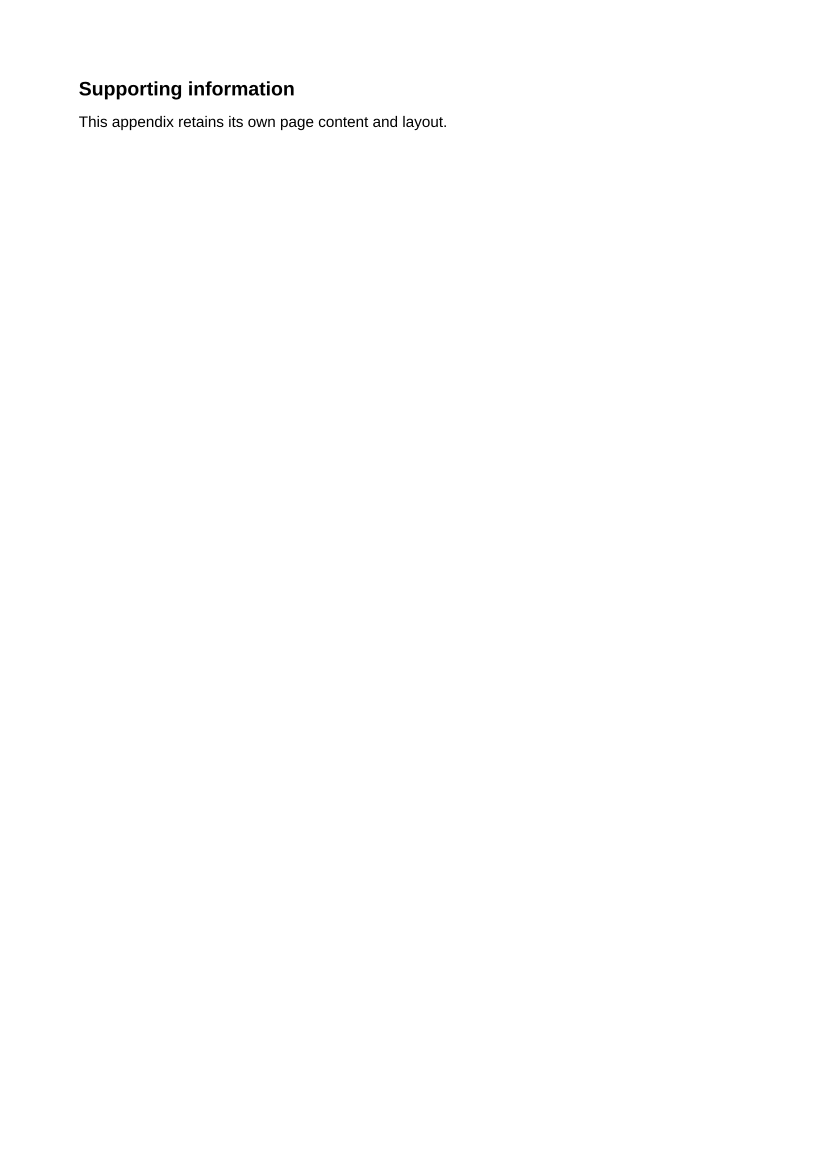
Positioned layout and PDF appendix
Section titled “Positioned layout and PDF appendix”The pack contains two generated letter pages followed by one existing PDF page. It combines SVG stationery, bounded positioned addresses, columns, nested lists, decorated boxes and a final-letter-page signature. See containers and PDF packs.
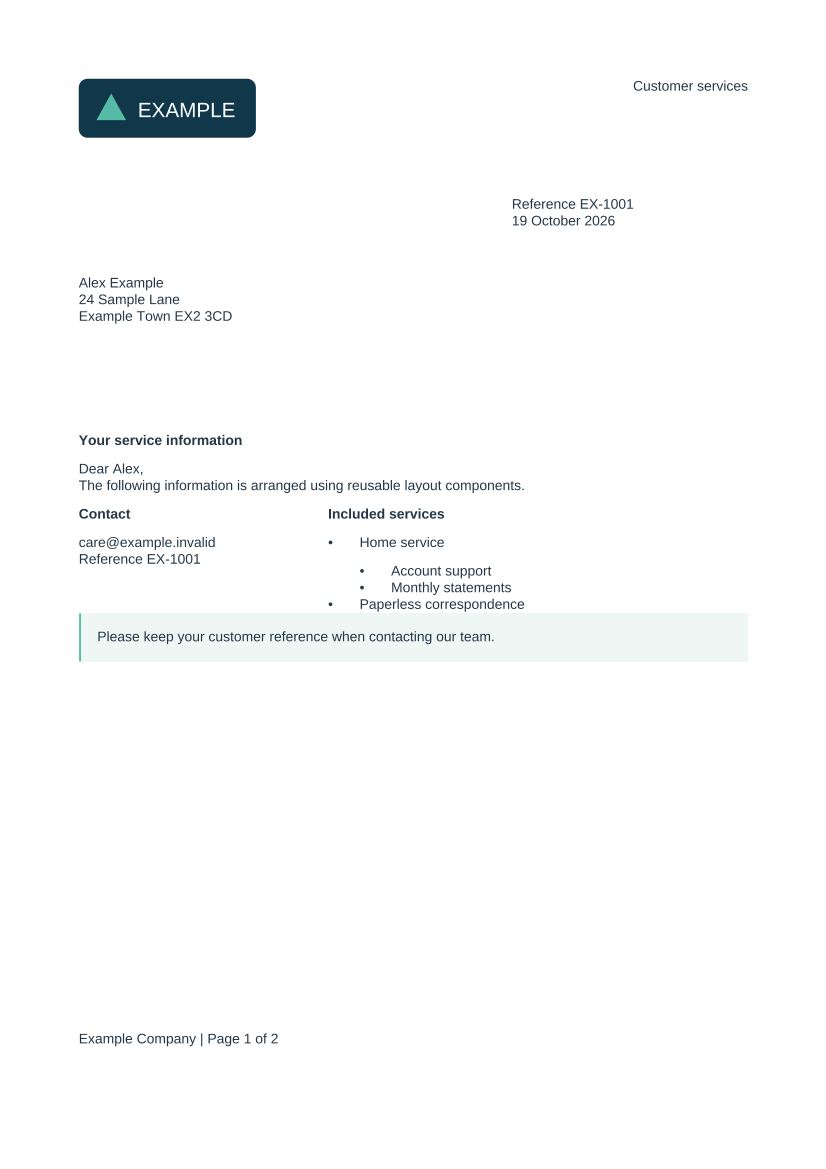
Second letter page preview · Appended PDF page preview · Complete three-page PDF
Downloads and reproduction
Section titled “Downloads and reproduction”Download the standalone Maven example project for the four quickstarts and full energy example. The advanced gallery PDFs above demonstrate additional feature combinations; their detailed authoring instructions are in the linked feature guides and the source checkout integration tests.
Maintainers regenerate previews using ./mvnw clean verify from the library root, followed by the website preparation/build commands. Gallery outputs are generated artifacts rather than hand-edited illustrations.